Press kit

Writing about winWhisper?

Descriptions, key facts, logos and screenshots, ready to use. For anything else, email us.

About

Descriptions

50 words

winWhisper is voice typing for Windows. Press a hotkey in almost any app and talk: your words appear at the cursor phrase by phrase as you speak, in 90+ languages. Custom words keep names spelled right, History keeps past dictations one click away, and AI Rewrite reshapes any selected text.

150 words

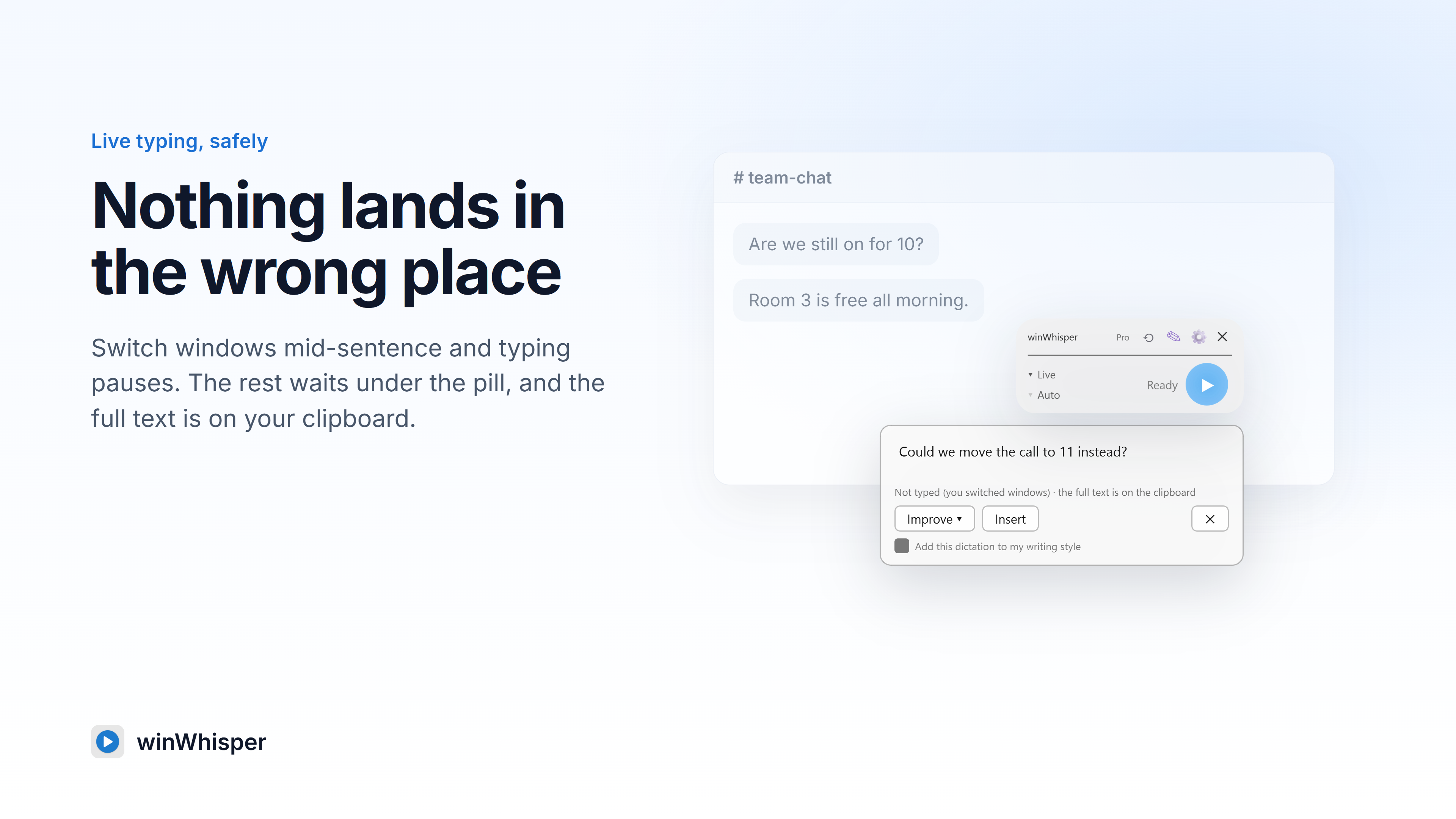
winWhisper is a voice typing app for Windows 10 and 11, available from the Microsoft Store. Press a hotkey in almost any app, from email to code editors, and talk. In Live mode, words appear at the cursor phrase by phrase, about a second after each pause, in 90+ languages; switch windows and typing pauses, so nothing lands in the wrong place. Classic mode records first and pastes the finished text, in 60+ languages.

Custom words, free for everyone, keep up to 100 names and terms spelled right, accents included. The ⟲ button on the pill brings back recent dictations, and the History window searches the last 500. AI Rewrite reshapes any selected text: more formal, friendlier, shorter, translated, or in your own writing style with Write-As-Me.

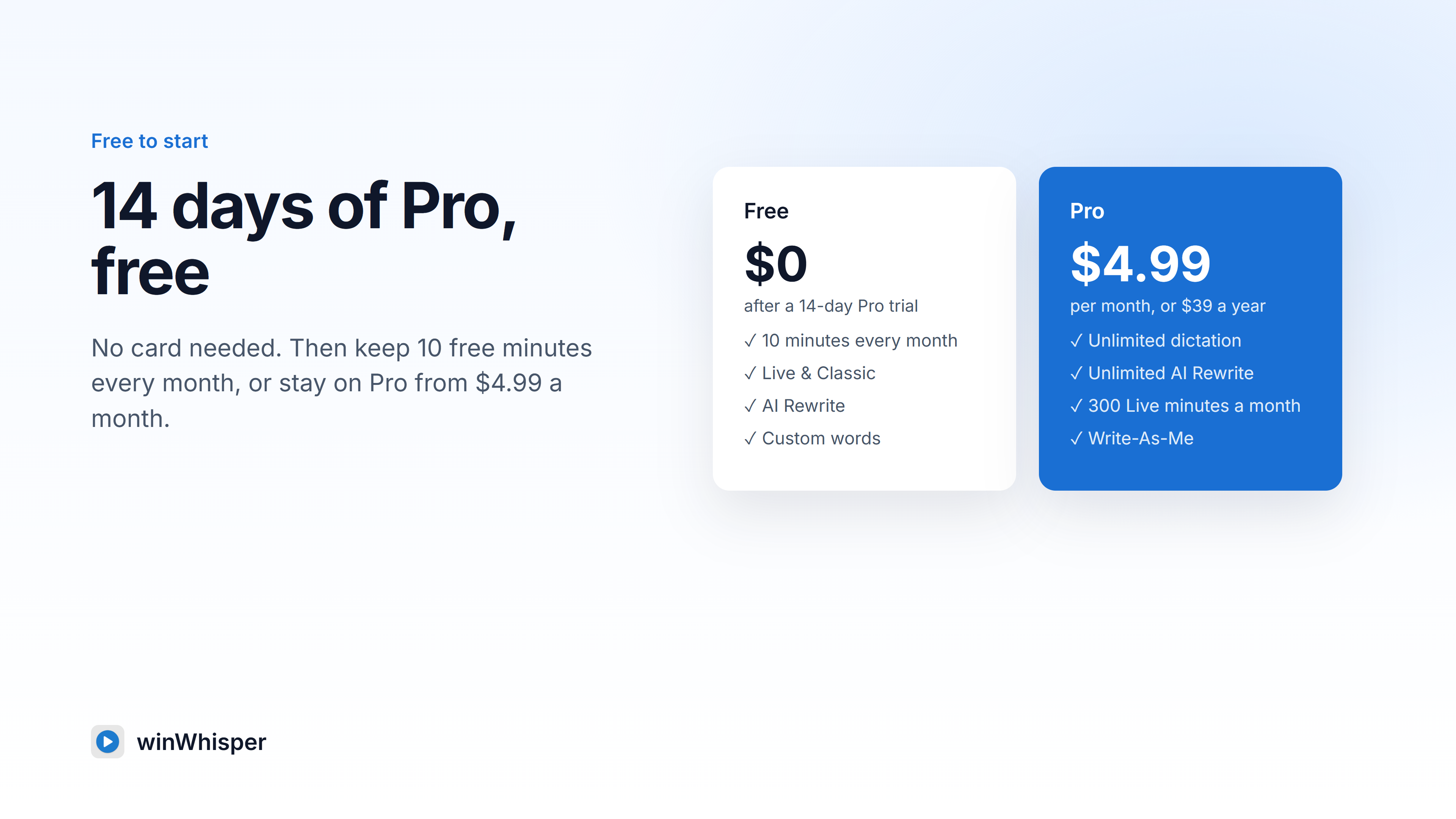
New accounts get 14 days of Pro free, no card needed. After that, 10 minutes are free every month; Pro costs $4.99/month or $39/year.

At a glance

Key facts

Product
winWhisper, voice typing for Windows
Platform
Windows 10 and 11 (64-bit)
Available from
Microsoft Store, product ID 9P7F1J2SVK3G
Current version
2.3.0
Transcription
Live: types at the cursor as you speak, 90+ languages. Classic: pastes the text when you stop, 60+ languages
Features
Custom words (up to 100, free), History (last 500 entries, on the PC), AI Rewrite, Write-As-Me (Pro)
Pricing
14 days of Pro free, no card. Then 10 free minutes every month. Pro $4.99/month or $39/year: unlimited Classic dictation and AI Rewrite, 300 Live minutes a month, Write-As-Me
Privacy
Audio is not stored on winWhisper servers; History stays on the user's PC

Brand

Logo and images

App icon

App icon

PNG, 150 × 150

Download
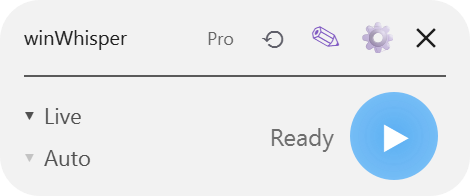
The pill (2.3)

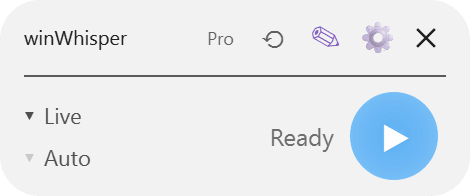
The pill (2.3)

PNG, transparent, 470 × 196

Download
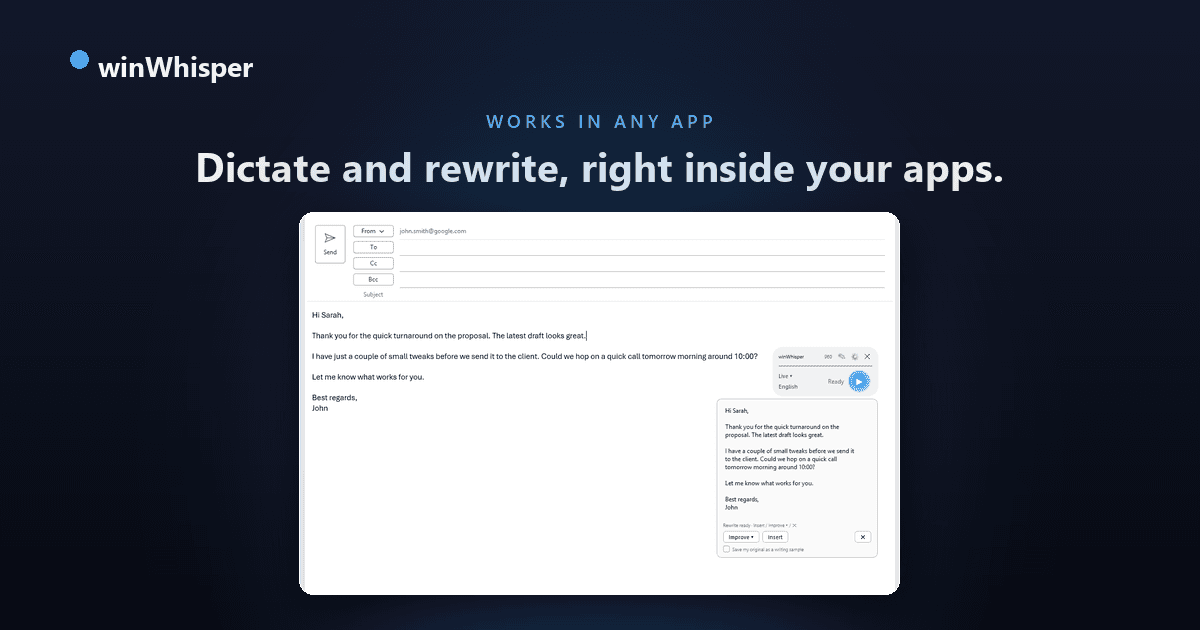
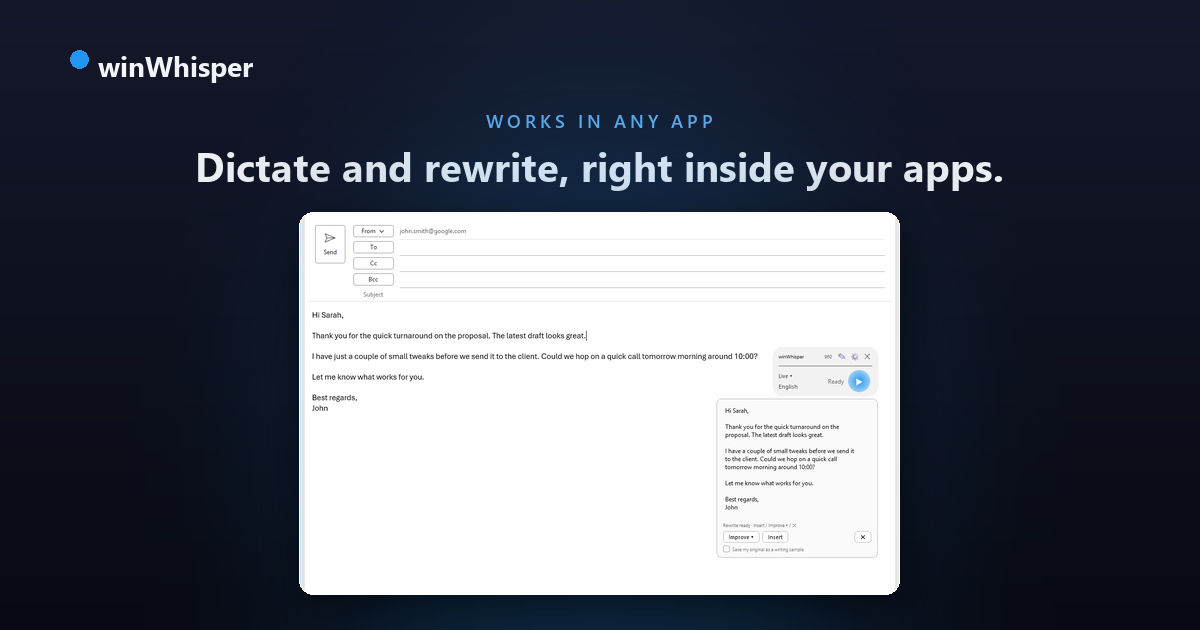
Social banner

Social banner

PNG, 1200 × 630

Download

Also available: the app icon as .ico. Please write the name as winWhisper, with a lowercase w and capital W.

Media

Screenshots and trailer

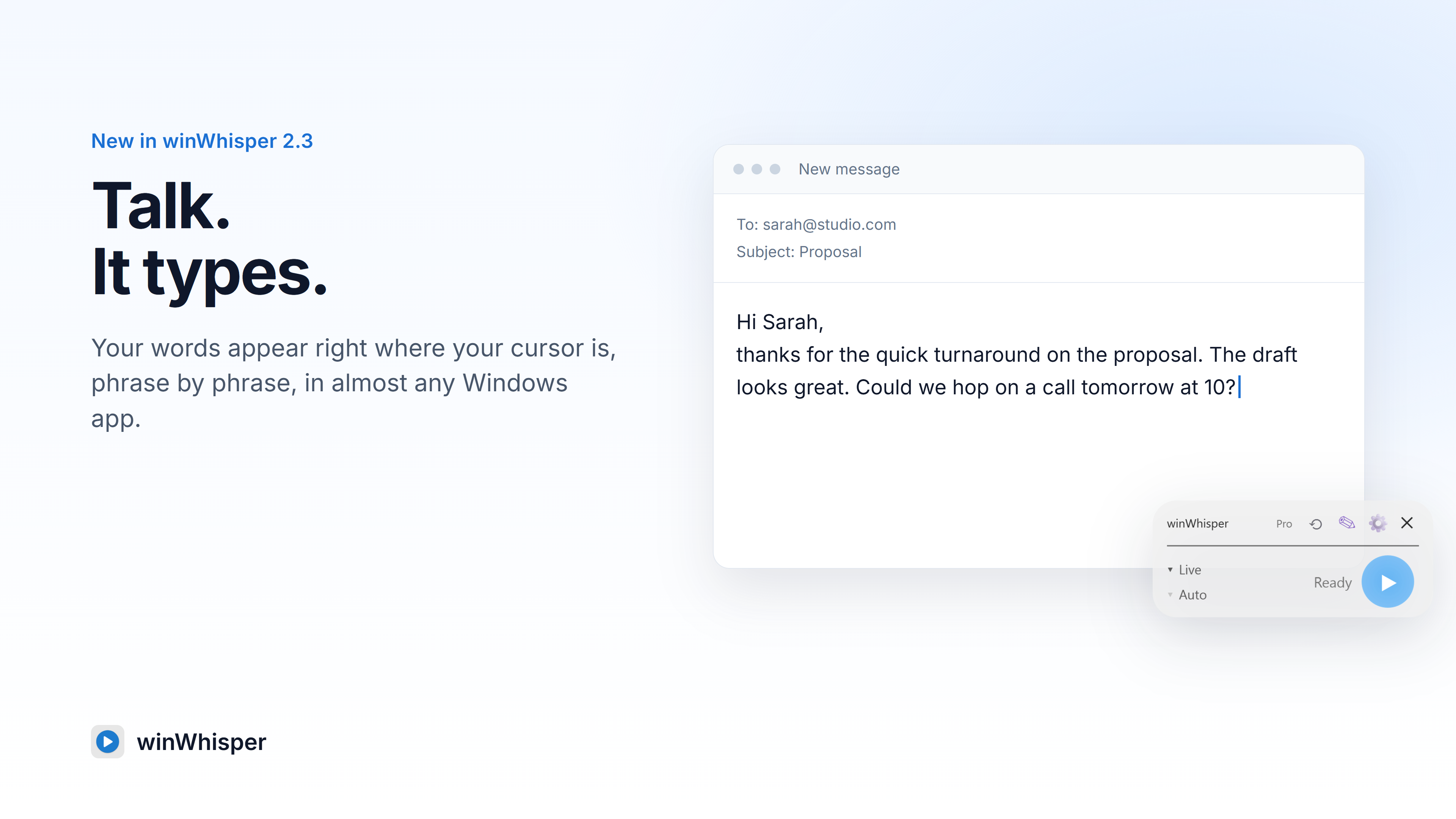
  • screenshot-1-live.png

    Live: words appear where your cursor is, phrase by phrase.

    Download
  • screenshot-2-history.png

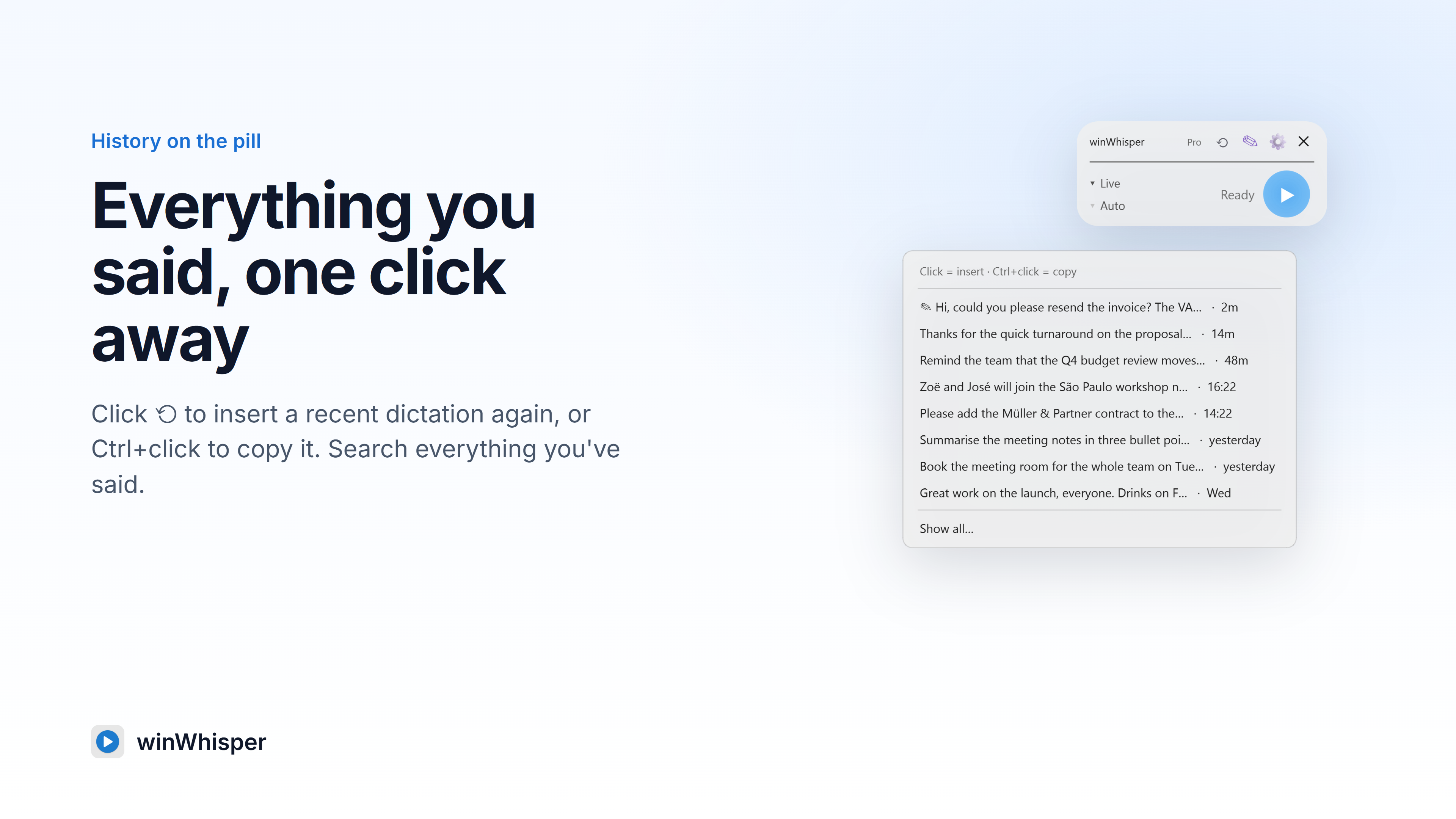
    History: insert a recent dictation again from the ⟲ button on the pill.

    Download
  • screenshot-3-custom-words.png

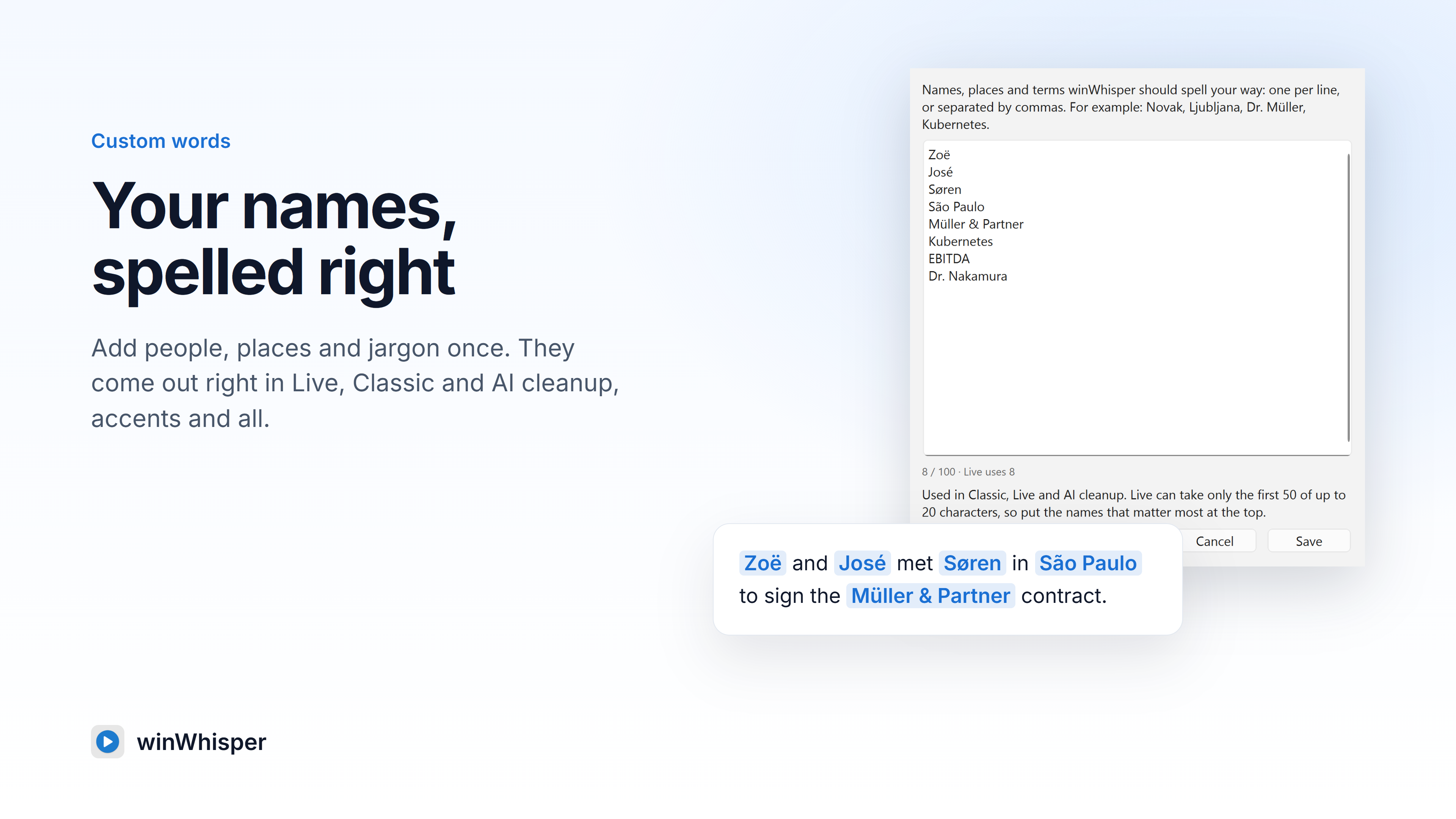
    Custom words: names, places and jargon spelled your way.

    Download
  • screenshot-4-ai-rewrite.png

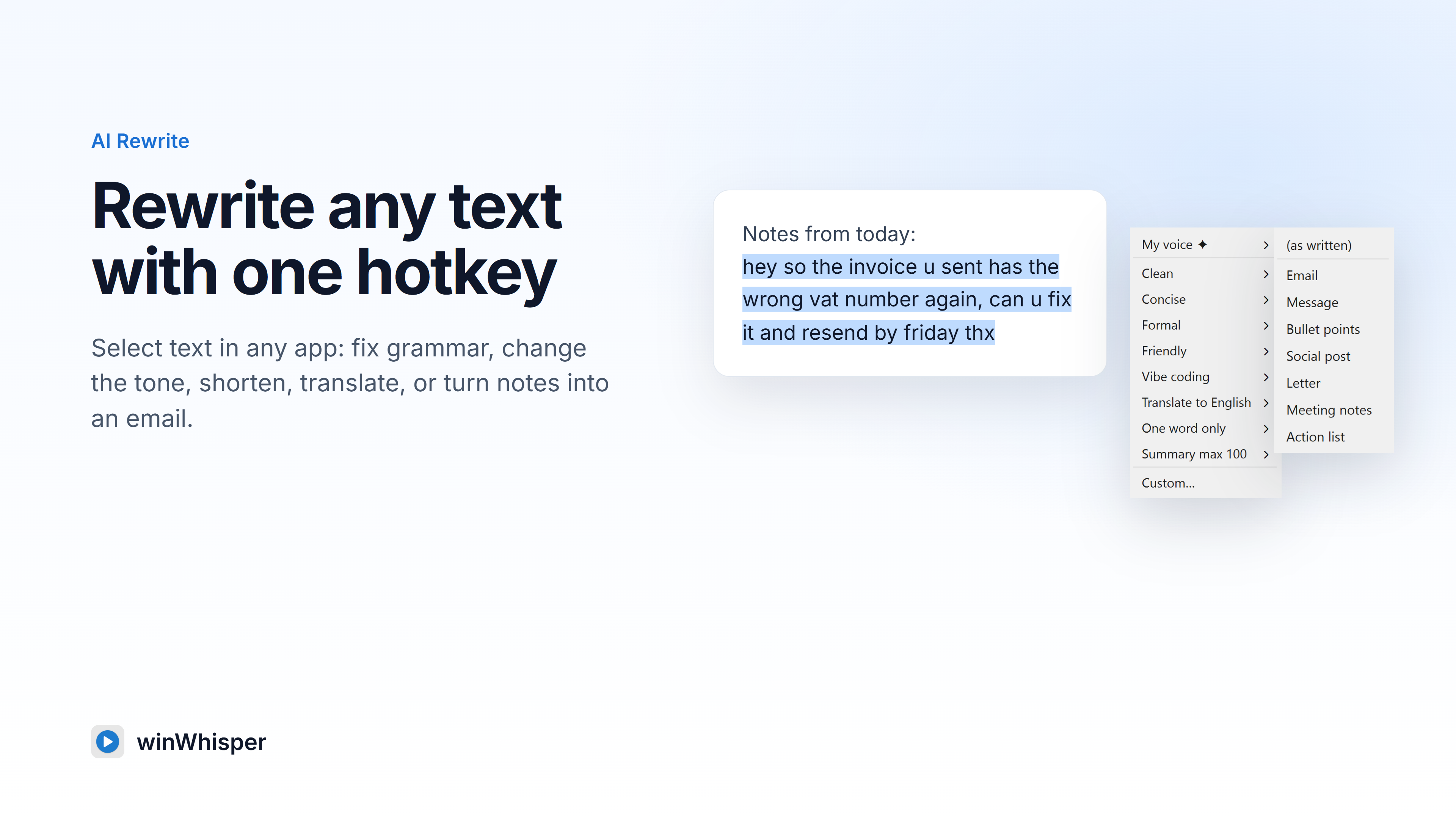
    AI Rewrite: fix grammar, change the tone, shorten or translate selected text.

    Download
  • screenshot-5-my-voice.png

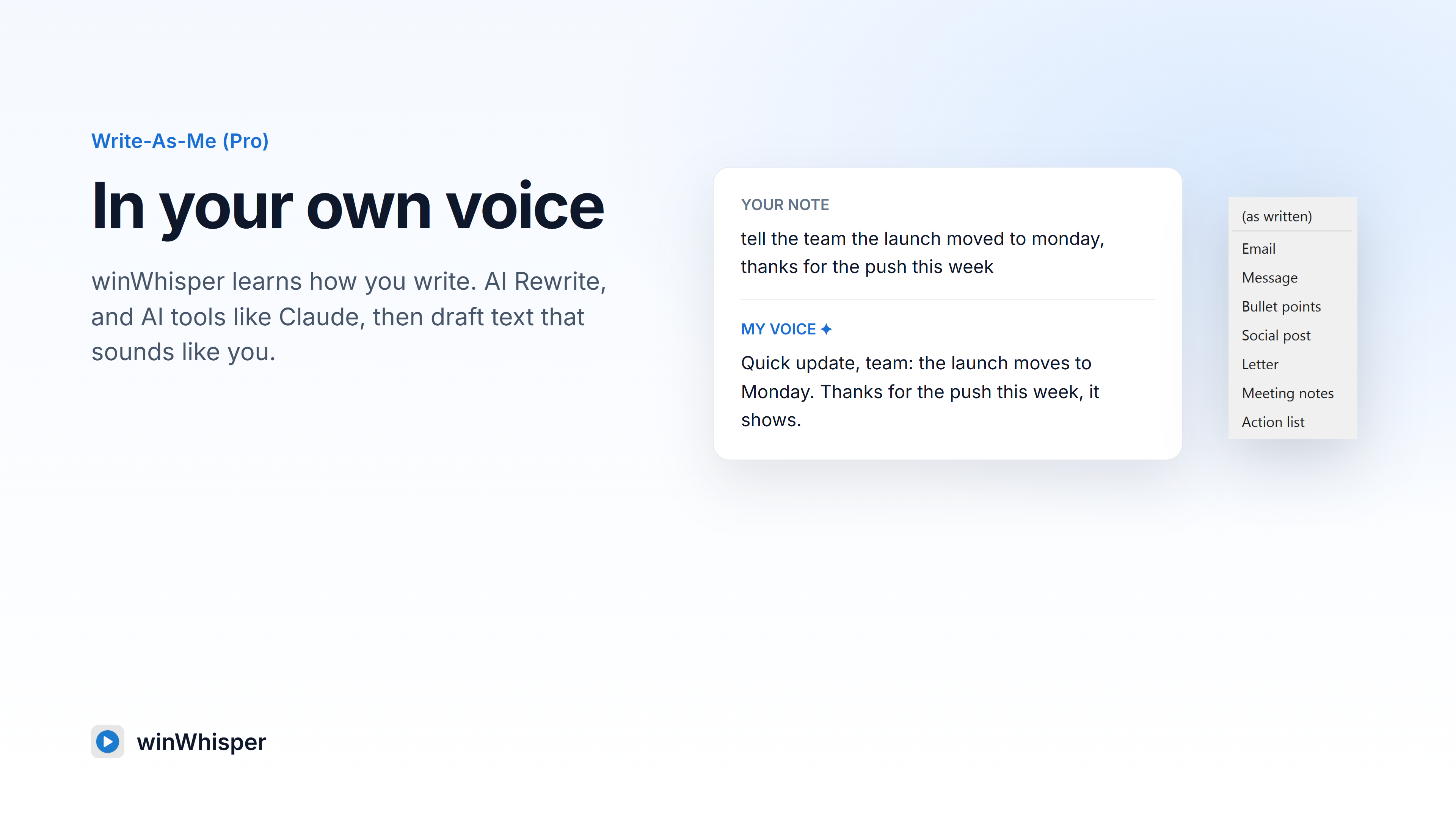
    Write-As-Me (Pro): AI rewrites in your own writing style.

    Download
  • screenshot-6-languages.png

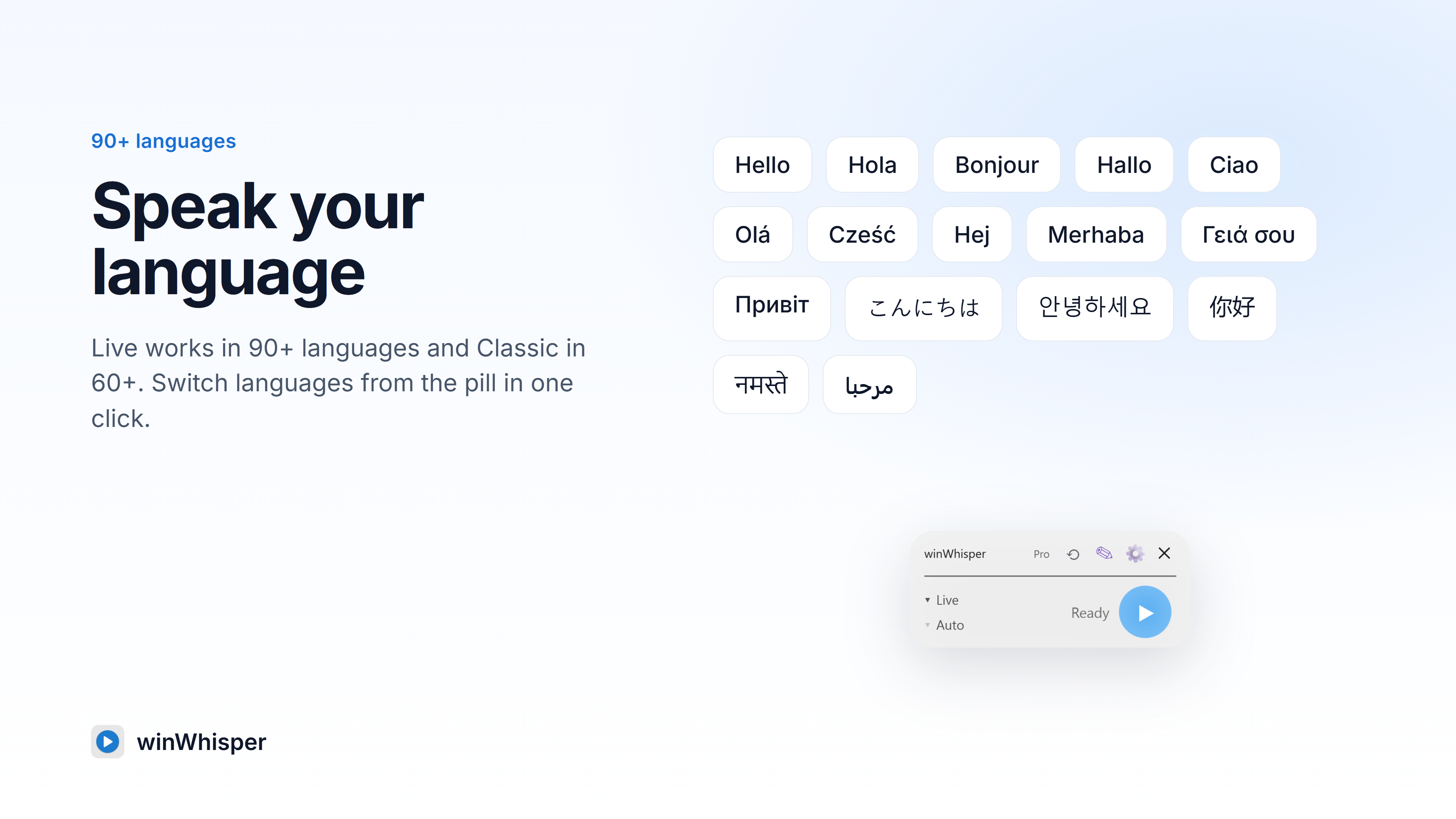
    90+ languages in Live, 60+ in Classic, switchable from the pill.

    Download
  • screenshot-7-window-switch.png

    Switch windows mid-sentence and typing pauses.

    Download
  • screenshot-8-pricing.png

    14 days of Pro free, then 10 free minutes every month.

    Download
  • Trailer (48 s, 1080p)

    winWhisper 2.3 trailer: plays at the top of the Microsoft Store listing.

    Watch on the Store